Online Appointment Booking for Medical Clinics
Simple & Fast
Scheduling software for clinics and healthcare practices. Give patients a seamless online booking experience while keeping your schedule organized.
- No app required
- Quick setup
- Works on any device
Features
Everything you need to manage appointments
Practical tools designed to help healthcare practices organize bookings efficiently.

Appointment dashboard
View confirmed and pending appointments from a single place.
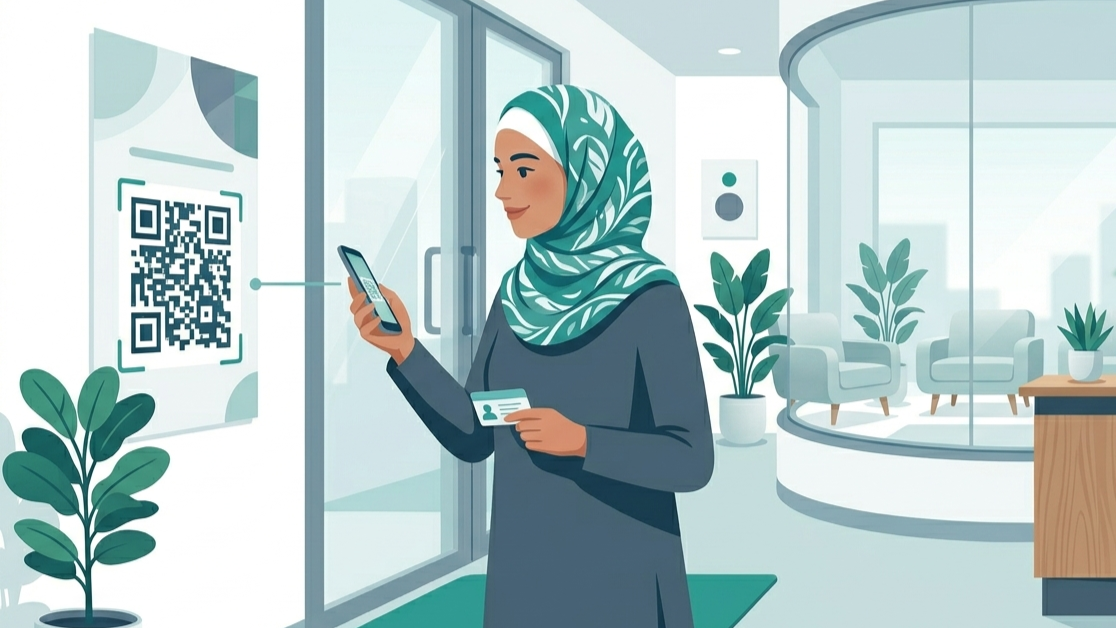
Booking link and QR code
Share your booking page through a direct link or printable QR code.

Email appointment confirmation
Appointments are confirmed by patients before they are accepted.

Automatic reminders
Send reminders before appointments to help reduce no-shows.
How it works
Get started in three simple steps
Create your booking page
Add your clinic details, working hours, and appointment duration.
Share your booking page
Send the link directly to patients or use your QR code.
Receive appointments
Patients book and confirm online, and appointments appear instantly in your schedule.
Support
Frequently asked questions
Do my patients need an app or an account?
No. Patients can book directly from their browser without creating an account or downloading an app.
How do I know a booking is real?
Patients receive a confirmation email and appointments are only accepted after confirmation.
Is my data and my patients data secure?
Yes. Every clinic is completely isolated. No one else can access your data or your patients appointments.
Can I add appointments manually?
Yes. You can add and manage appointments from your dashboard at any time.
What happens if a patient cancels?
The time slot becomes available again and you receive a cancellation notification.
Can I start for free?
Yes. You can create an account and try the platform before upgrading to a paid plan.
Get started
Create your booking page, set your availability, and start receiving appointments online.